Free forever · No ads · Open source

Your Windows 10 tiles,
back in Windows 11

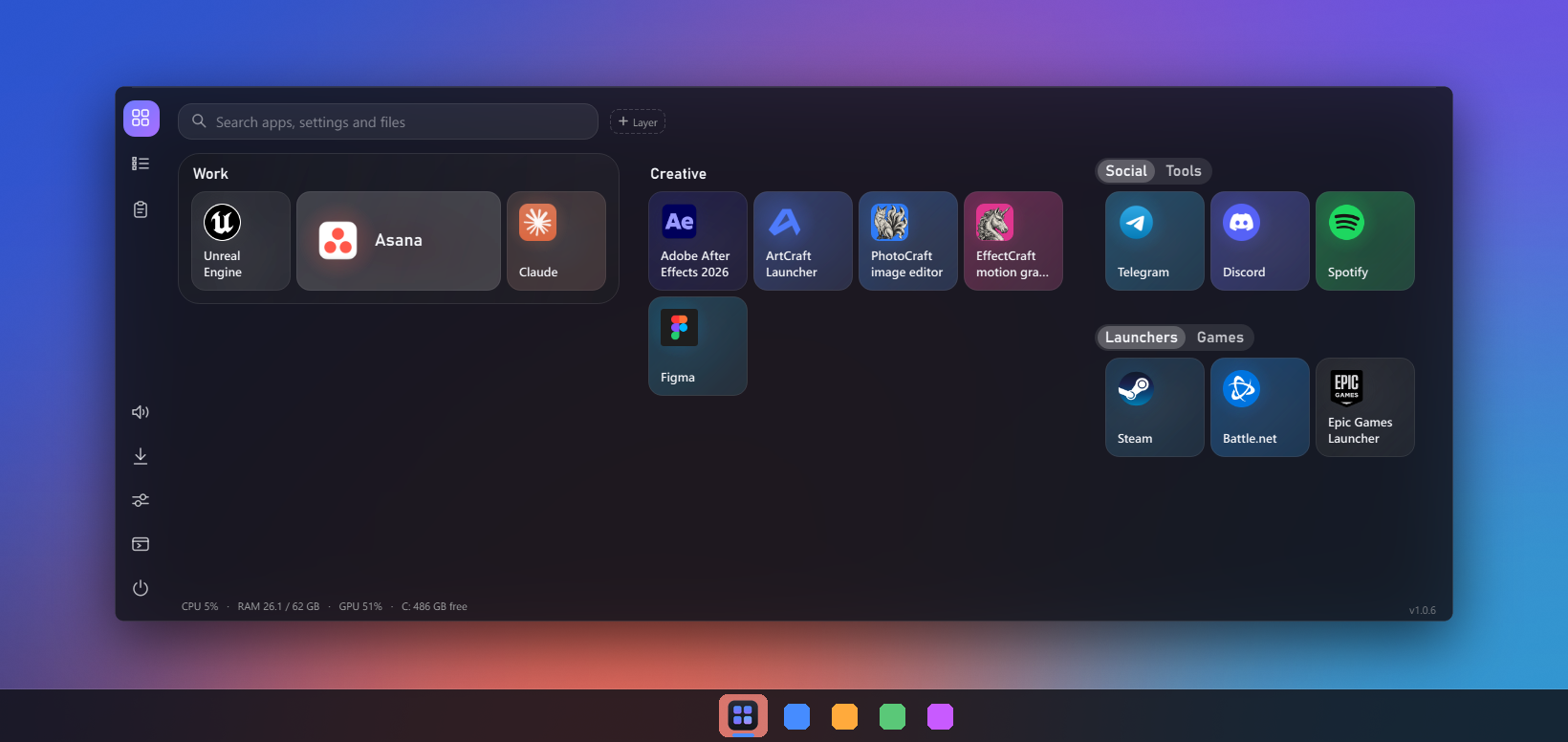
Groups, folders and four tile sizes in a Start menu you arrange yourself. A standalone app that doesn’t patch Windows, needs no admin rights and uninstalls in one click.

~11 MB installer · no admin rights · 12 languages · по-русски

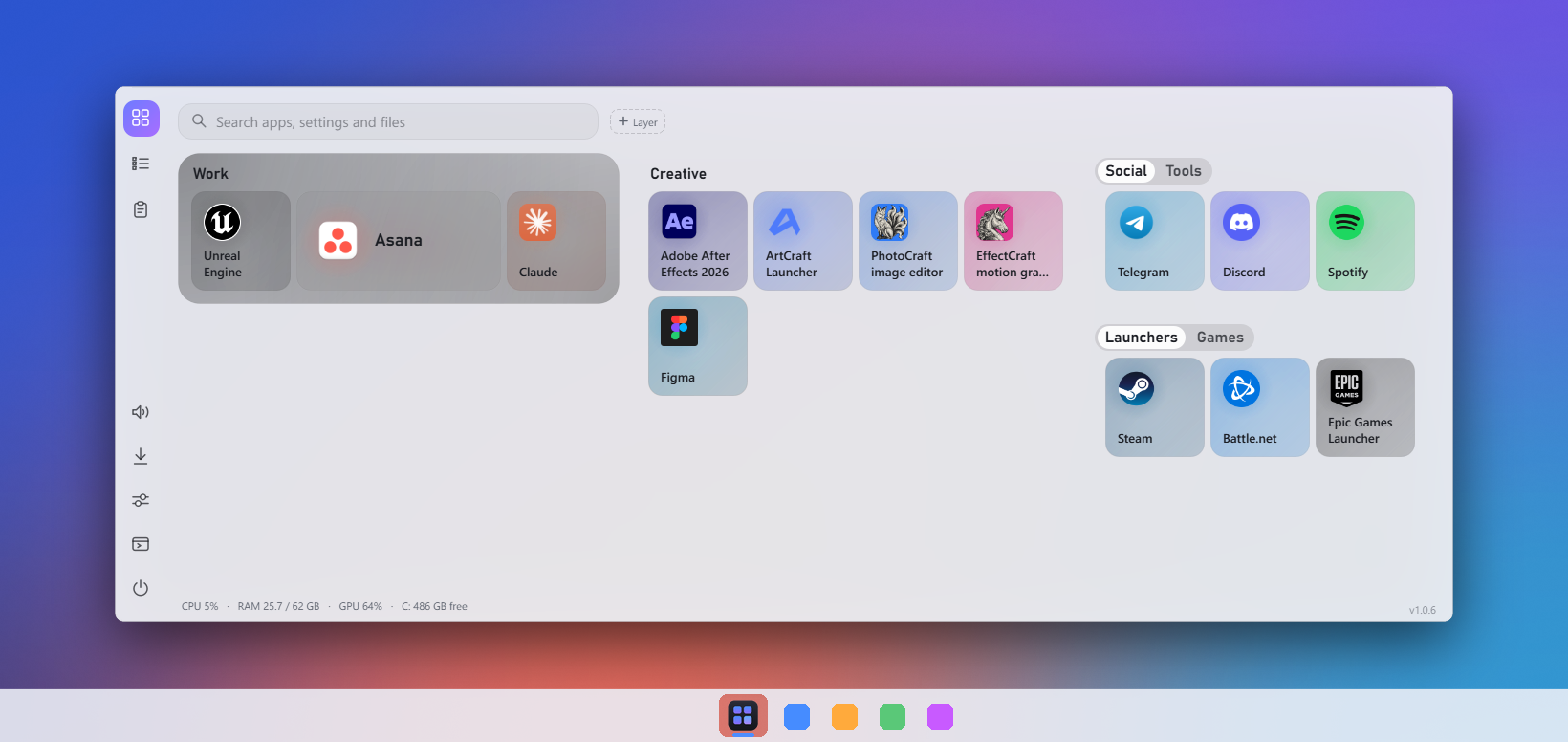
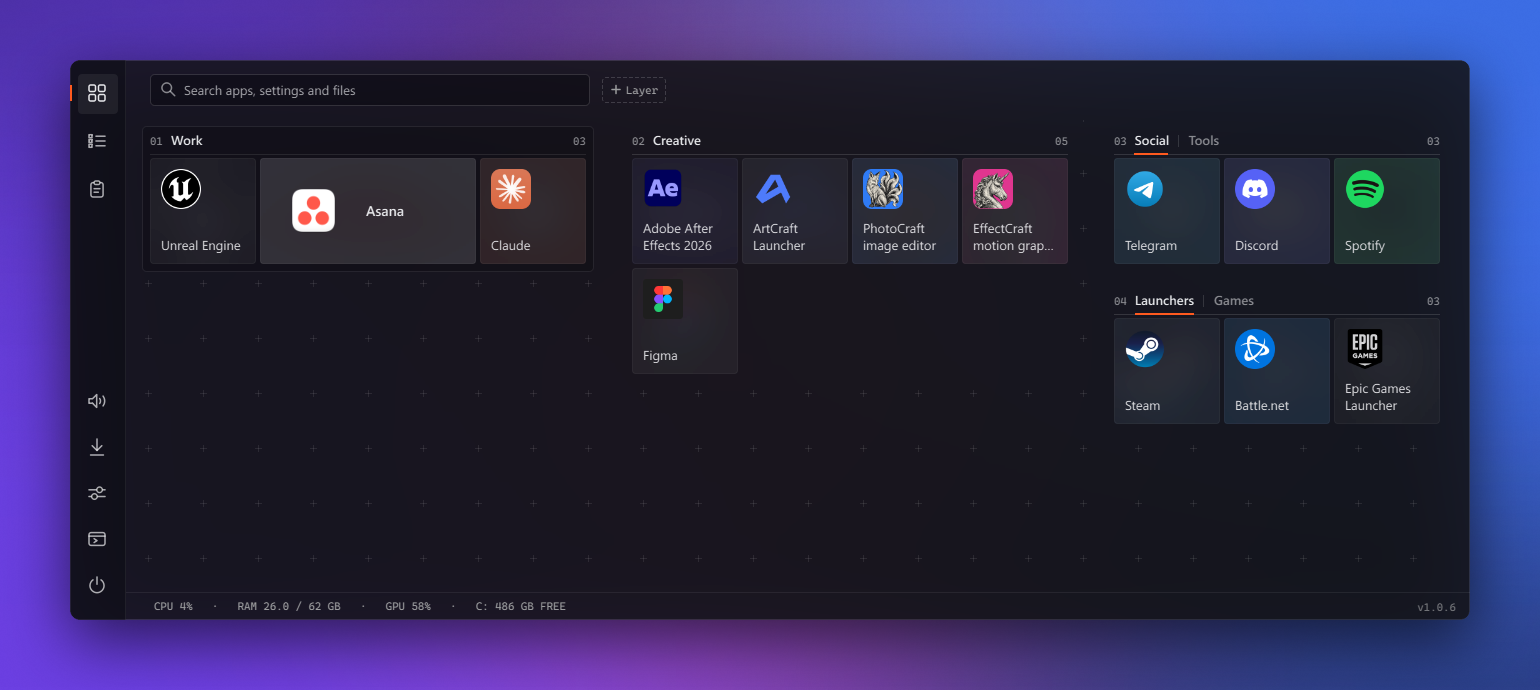
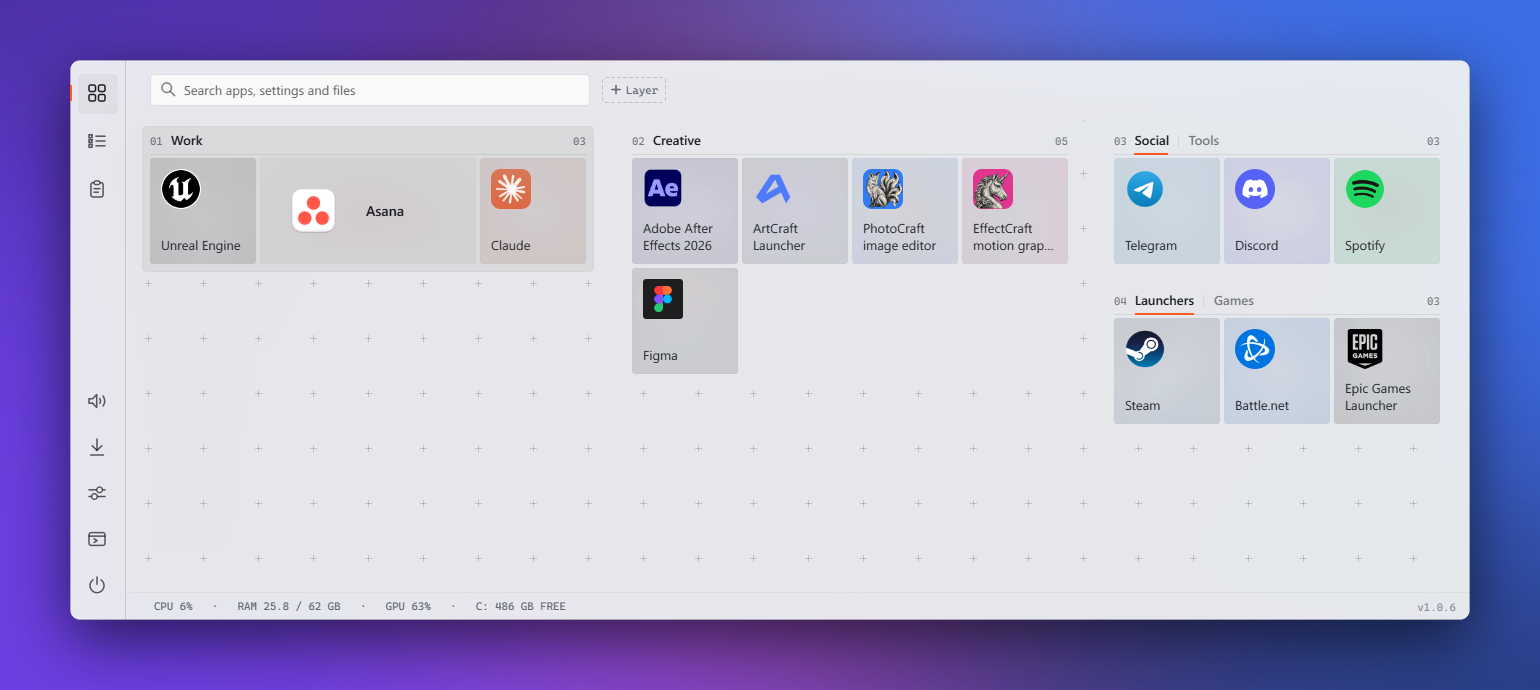
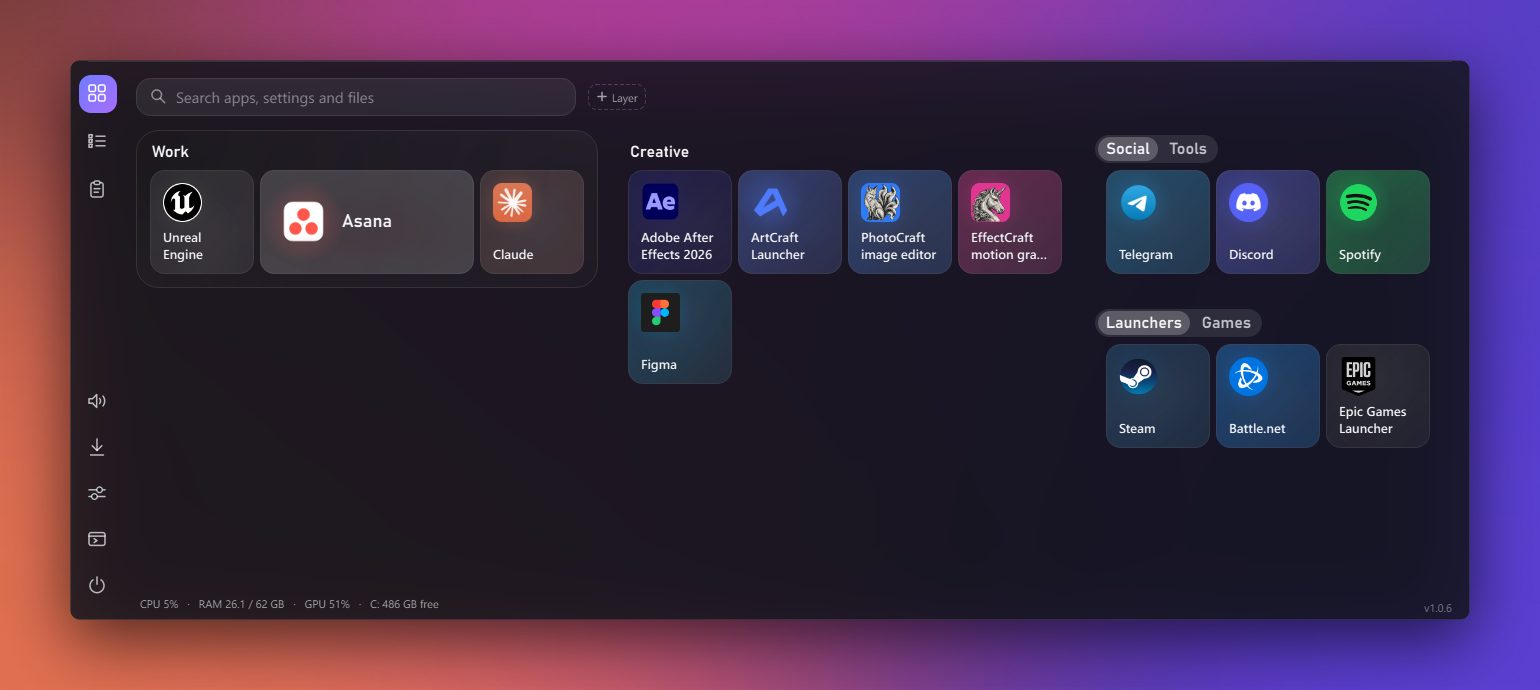
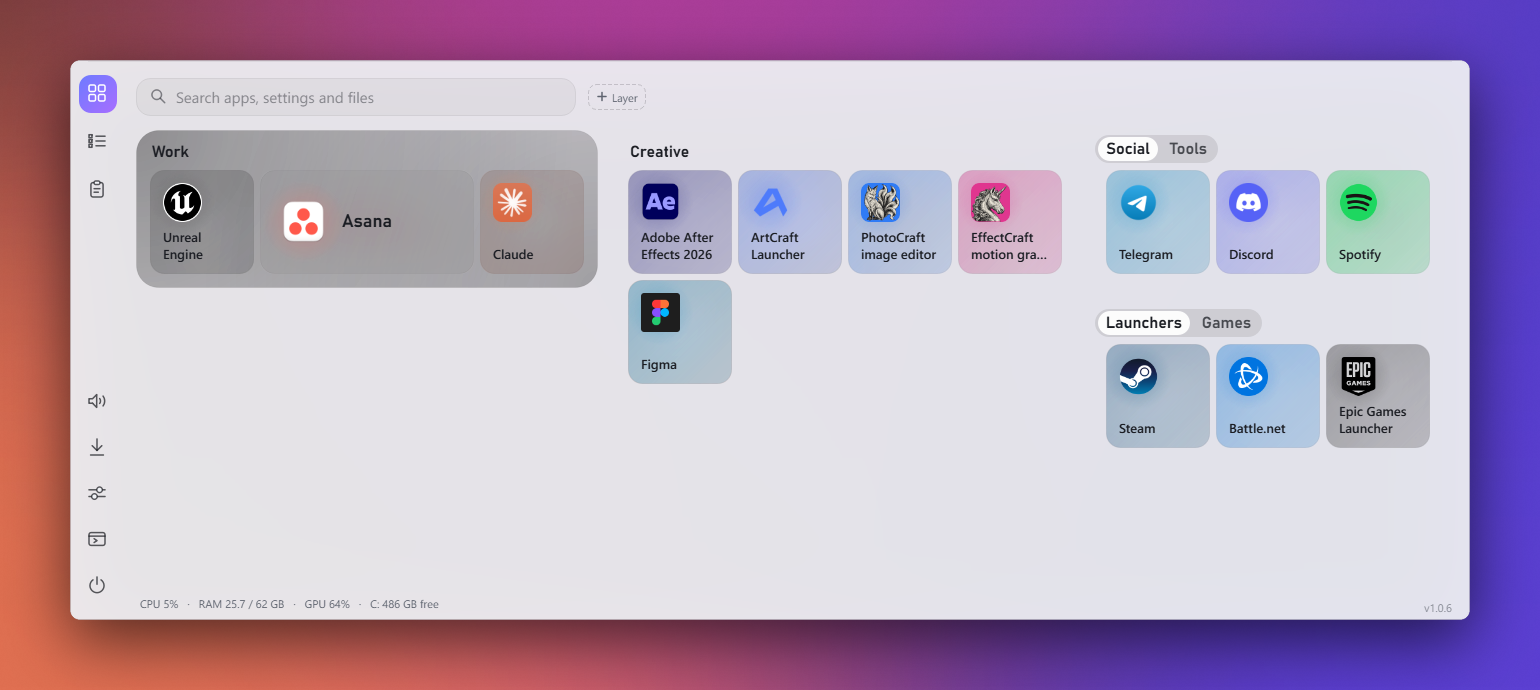
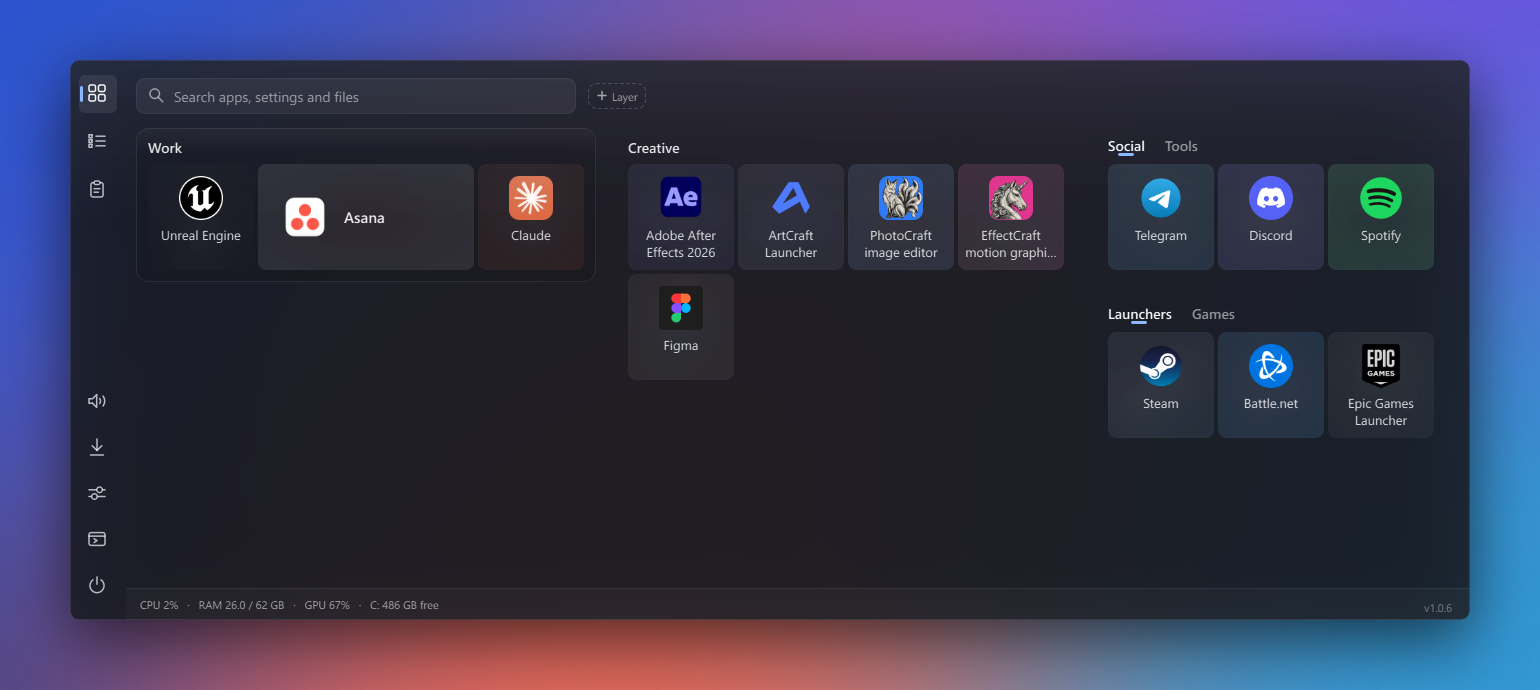
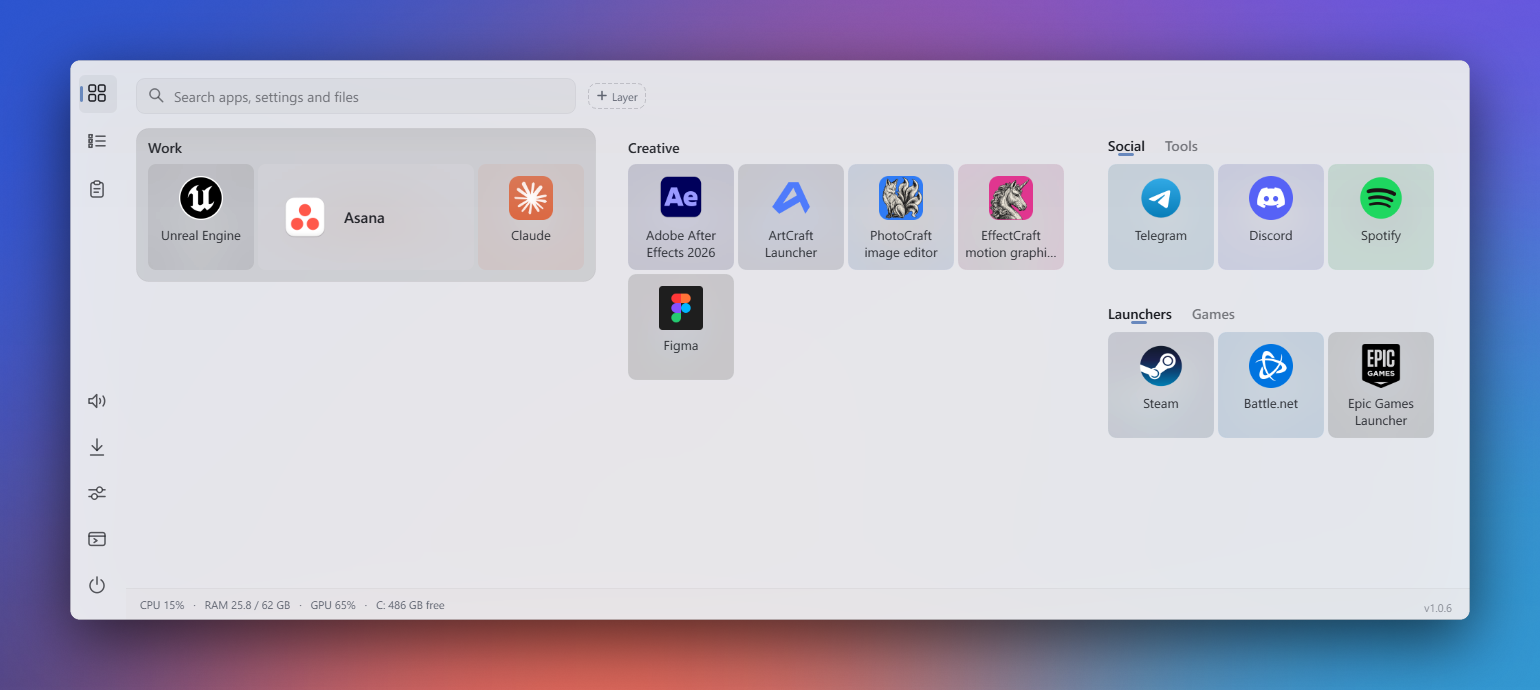
StartMenu on Windows 11StartMenu on Windows 11, light theme

Why StartMenu

A Start menu you arrange yourself — fast, light and respectful of your PC.

⚡

Instant

Opens in ~0.1 s, or ~0.02 s with “Keep the menu ready”.

🪶

Light

~6 MB in the tray. The menu runs only while it’s open.

🧱

Windows 10 tiles

Groups, folders, 4 tile sizes, custom pictures — only prettier.

🛡️

Doesn’t break Windows

No patches to Explorer or system files, no admin rights, clean one-click uninstall.

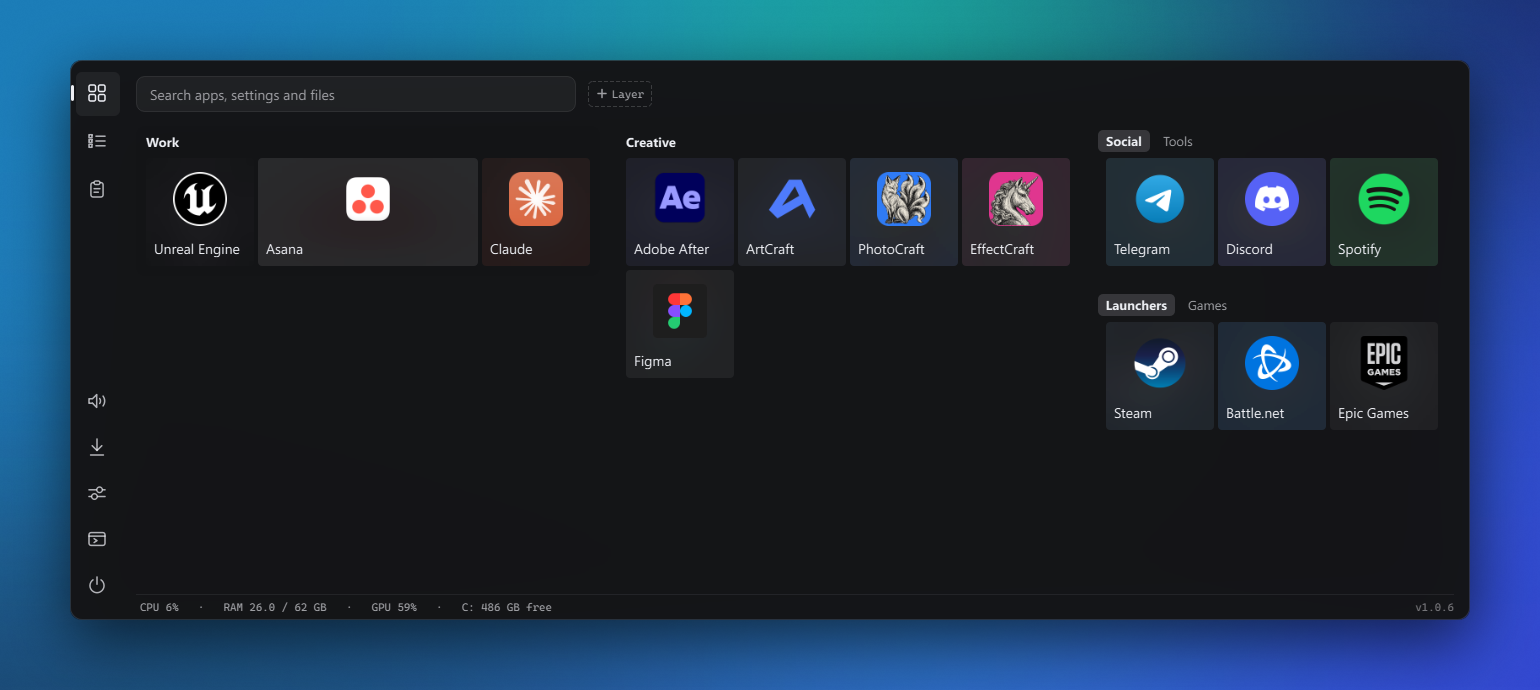
Four styles, endlessly tunable

Glass, blur, colors, corners, labels, cell size, animation — make it yours.

Classic styleClassic style, light themeClassicCalm and familiar
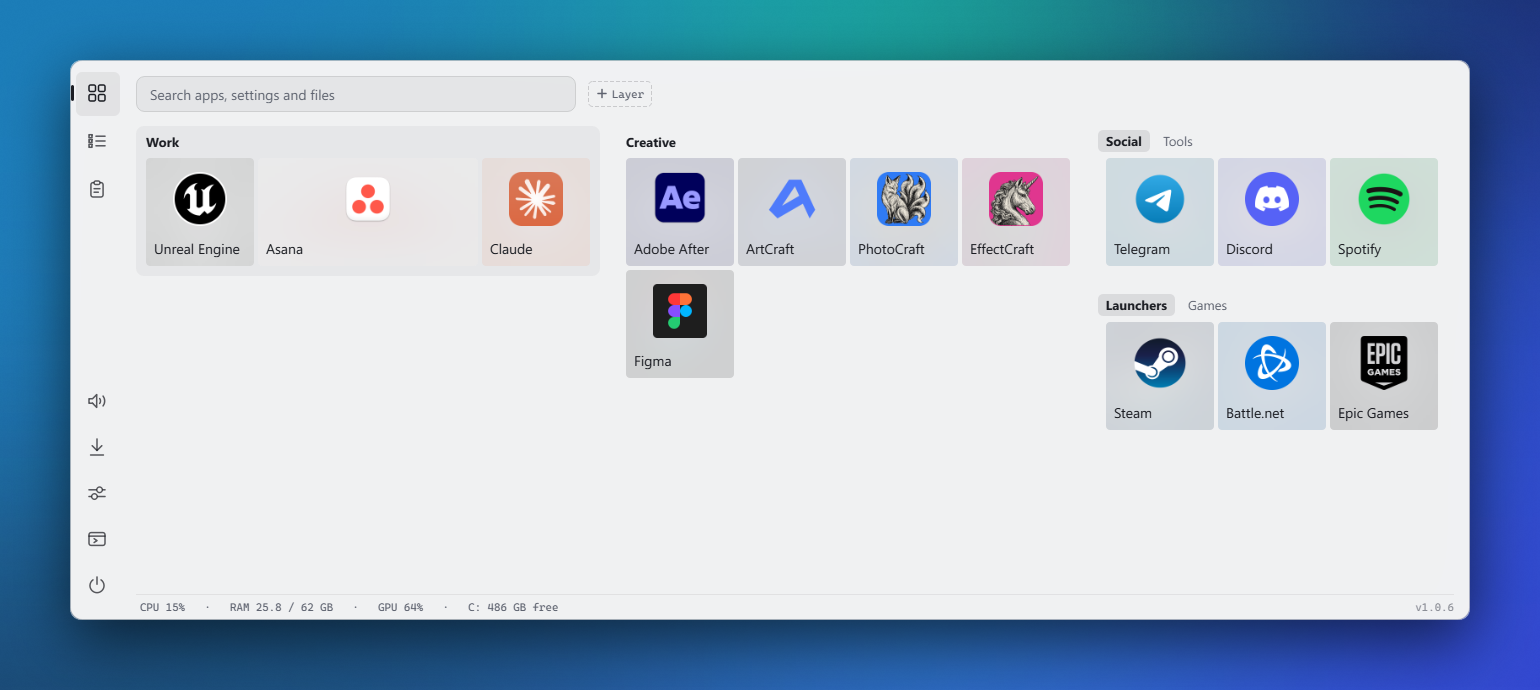
Studio styleStudio style, light themeStudioGraphite, grid and a single accent
Bento styleBento style, light themeBentoCard islands with a soft glow of icon colors
Fluent styleFluent style, light themeFluentGlass and soft shapes in the spirit of Windows 11

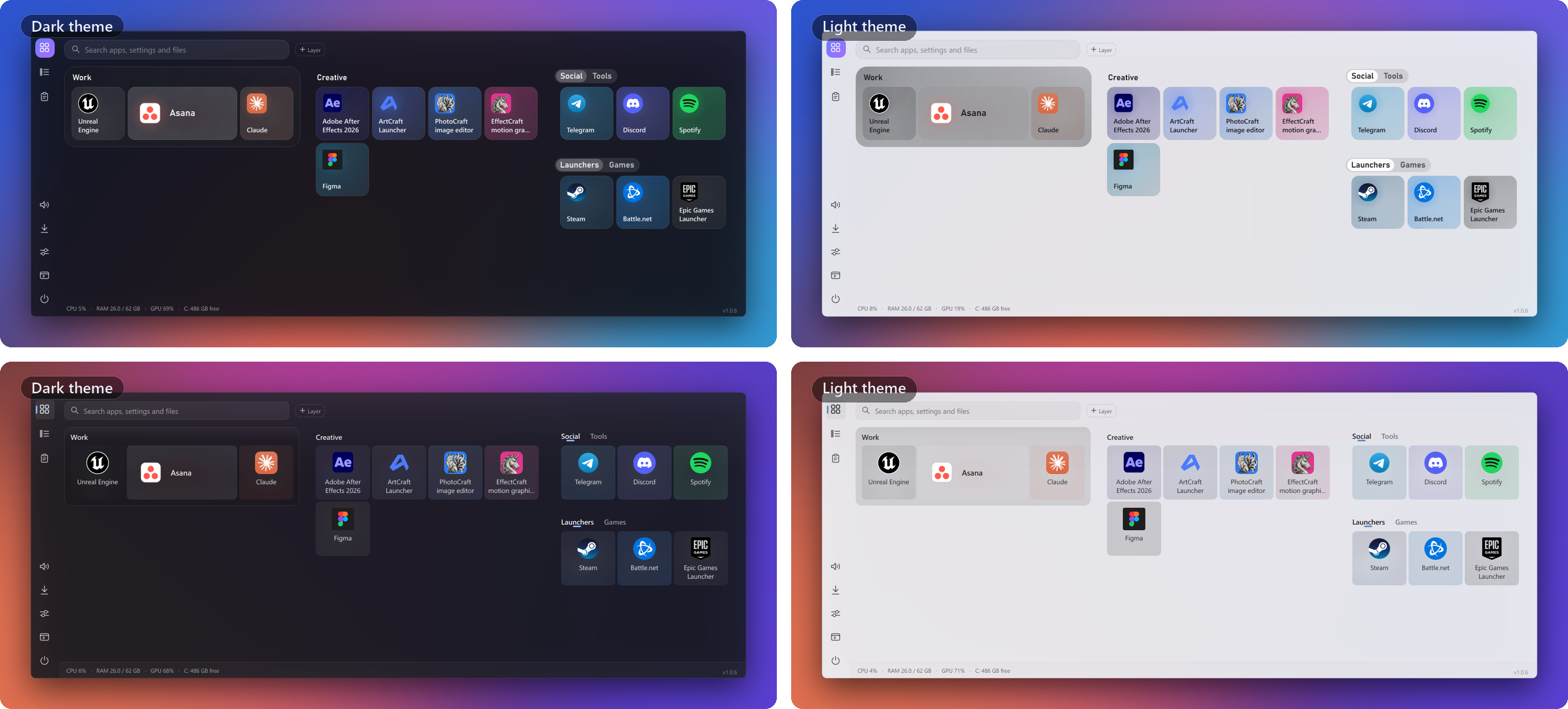
Dark or light — or follow Windows

Dark and light theme

Everything at your fingertips

Press Win and just start typing.

~6 MB
tray process in idle
0.02 s
to open, when kept ready
4
styles
12
languages

Install in one minute

No administrator rights. Installs for your user only and removes cleanly.

Download

Get StartMenu-x.y.z.exe (~11 MB) from Releases.

Run

SmartScreen may warn about an unsigned app: More info → Run anyway.

Pick a style

The wizard shows live previews. Then press Win — done.

FAQ

How do I open the original Windows Start menu?

Press Ctrl+Esc. All Win+… shortcuts keep working.

How do I uninstall it?

Settings → Apps → Installed apps → StartMenu → Uninstall. The Windows Start menu comes back immediately.

How much memory does it use?

About 6 MB in the tray. With “Keep the menu ready” — ~12–25 MB, and it opens instantly.

Is it safe?

It needs no admin rights and doesn’t touch system files. The code is open — you can build it yourself.

Make Start yours again

Free and open source. Forever.